
Colourise Shader
A common required task is to apply a colourisation in a fragment shader, but all the online implementations are just plain awful. The top results from a google search will get either a multiplicative modulation or some arbitary linear combination. What I really want is that lovely GIMP colorise…
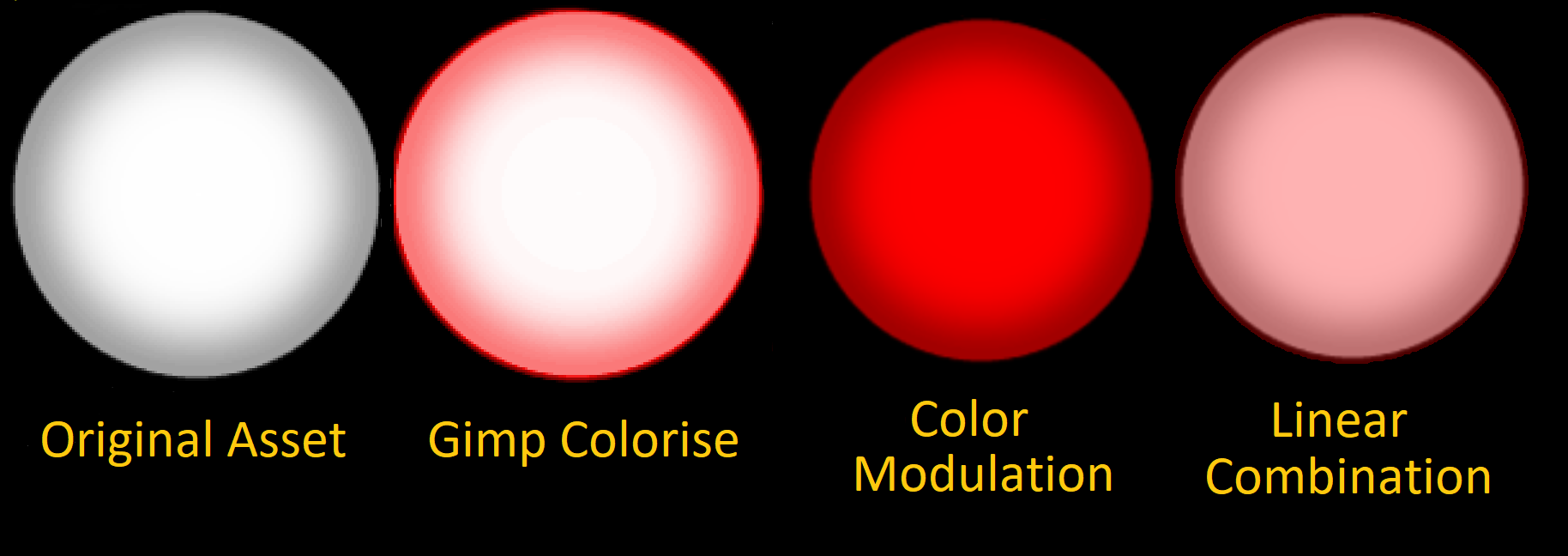
Notice how the white middle stays white with GIMP’s colourise. Strongly bright objects apear white, even if the output isn’t constant over the colour spectrum. A good example is the sun, which is white, despite having non-uniform output at different frequencies. If I wanted to colourise a picture of the sun at midday, I would expect the brightest part to remain white.
I would also expect the brightness to stay the same across the image. The above colourise shaders darken the image. GIMP’s colourise preserves luminance, which is probably why it looks the best.
GIMP Tribute Act
As GIMP is free and open-source software, instead of trying to back-engineer their colorise filter we can steal take inspiration from their algorithm. Specifically,
gimpoperationcolorize.c contains the implementation of gimp_operation_colorize_process(...) at line 222, with the relevent part being:
if (colorize->lightness > 0)
  {
    lum = lum * (1.0 - colorize->lightness);

    lum += 1.0 - (1.0 - colorize->lightness);
  }
  else if (colorize->lightness < 0)
  {
    lum = lum * (colorize->lightness + 1.0);
  }

  hsl.l = lum;

  gimp_hsl_to_rgb (&hsl, &rgb);
GIMP’s colourise take HSL rather than RGB for incoming colour, which has the added benefit of being easier for artists. Also, the ranges for the input HSL is not (0-1, 0-1, 0-1). I would like the standard for all color values in shaders I right to be between 0 and 1, so that had to be modified.
In all seriousness, while being inspired by an algorithm used in a GPL Program and writing an implementation in a different language is a grey area, the resulting shader function is technically derived work. Thus, it would fall under GPLv3 and related usage restrictions.
Implementation
I wrote an implementation in shader toy, the important part is:
vec3 colourise(vec3 hsl, vec3 texel) {
    float lum = dot(texel, vec3(0.2126, 0.7152, 0.0722));

    hsl.b = 2.0 * hsl.b - 1.0;

    if (hsl.b > 0.0) {
    	lum = lum * (1.0 - hsl.b);
        lum += 1.0 - (1.0 - hsl.b);
    }
    else if (hsl.b < 0.0) {
        lum = lum * (hsl.b + 1.0);
    }

    return hsl2rgb(vec3(hsl.rg, lum));
}
Application
And using a bullet asset, its possible to see how closely it matches GIMP with a hsl of (0.0, 0.75, 0.55):
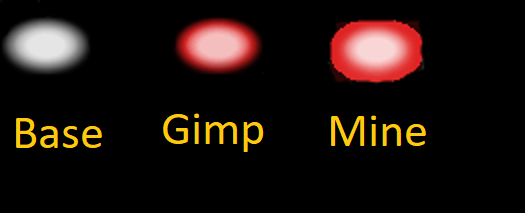
Doesn’t look great, but this is because the alpha in shader toy doesn’t work so good. The important thing is the colours, which look almost exact.
A better demonstration is in my engine. With a script to spawn some bullets with incrementing hues alongside some bloom and HDR, this looks like so:
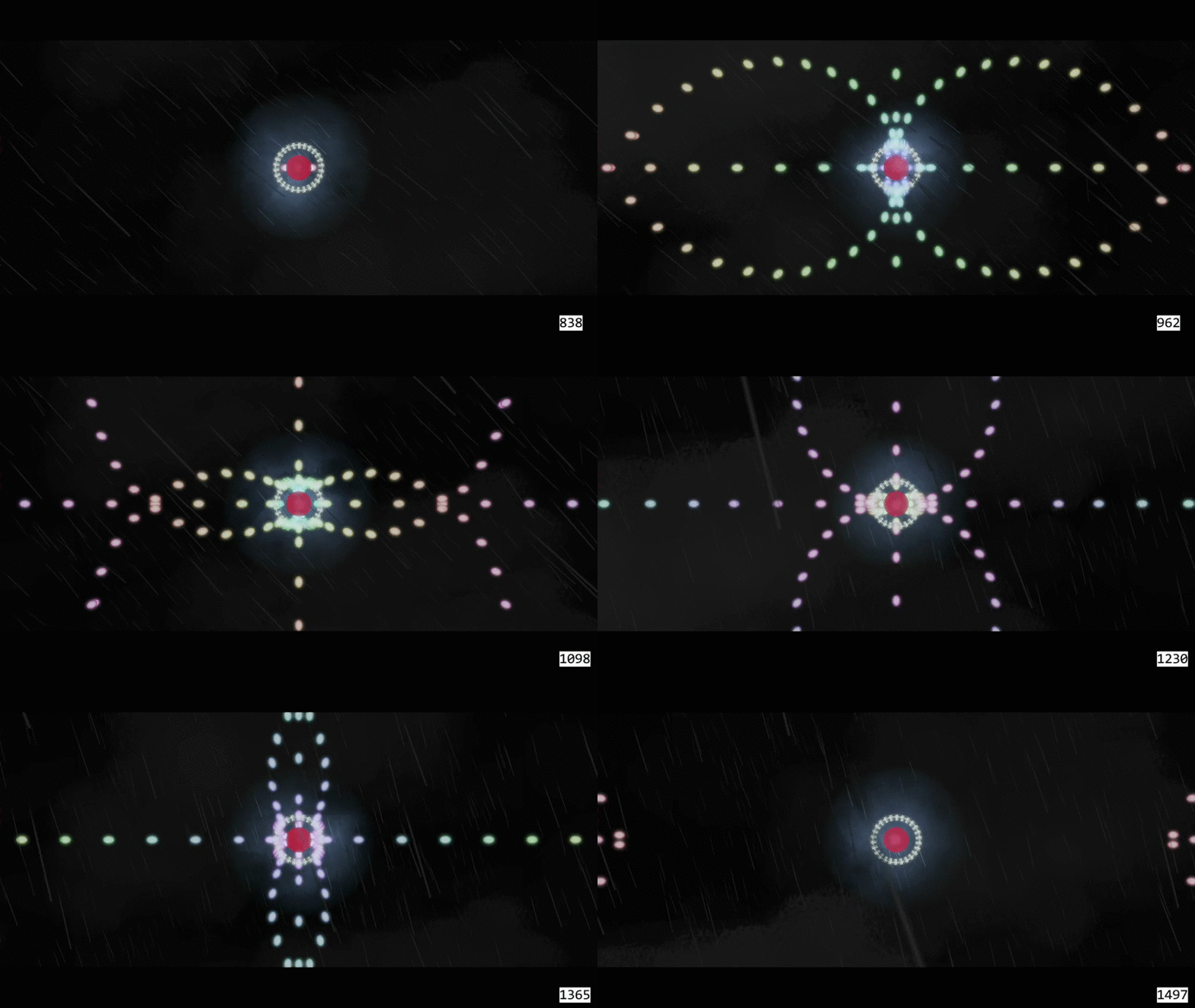
Really nice. I can save dev time and texture atlas space by letting the shaders colourise in realtime. It also makes scripting easier, with colourisation being seperated from the assets.
Conclusion
Preserving luminance makes this look better than other colourise algorithms. I recommend using this type of colourise over the usual on stack overflow.